Zip successfully extracted
Click on a file to download it.
File Type
ZIP file
File Size
kb


Compress files to zip
Create zip file from multiple files
Unzip your file
Create zip from a folder
Merge multiple ZIP files into one
Split ZIP file into smaller parts or separate files
Encrypt ZIP files with 256-bit AES password protection
Create military-grade AES-256 encrypted ZIP archives with PBKDF2
Generate MD5, SHA-1, SHA-256, and SHA-512 hashes inside ZIP archives
Decrypt password-protected ZIP archives with known password
Fix corrupted ZIP archives and recover readable files
Decompress GZ files and convert to ZIP format locally
Decompress BZ2 files and convert to ZIP format locally
Convert ZIP archives to 7Z format for better compression
Convert ZIP archives to TAR or TAR.GZ format locally
Batch convert multiple archives between formats locally
Inspect ZIP archive structure and metadata without extracting
Inspect ZIP file headers, central directory, and binary metadata locally
Detect hidden files, appended data, and ZIP bombs in archives locally
Sort ZIP archive contents into category folders based on file extensions
Generate detailed inventories of ZIP contents without extracting (CSV, JSON, TXT, HTML)
Find and remove duplicate files inside ZIP archives using CRC-32 checksums
Verify archive file integrity against expected checksums
Edit ZIP archive comments, file names, and dates without extracting
Add and edit global archive comments and individual file annotations
Batch rename files inside ZIP archives with find-replace and regex
Evaluate ZIP password entropy, estimate crack times, and check breach databases
Scan ZIP archives for structural corruption, CRC mismatches, and header damage



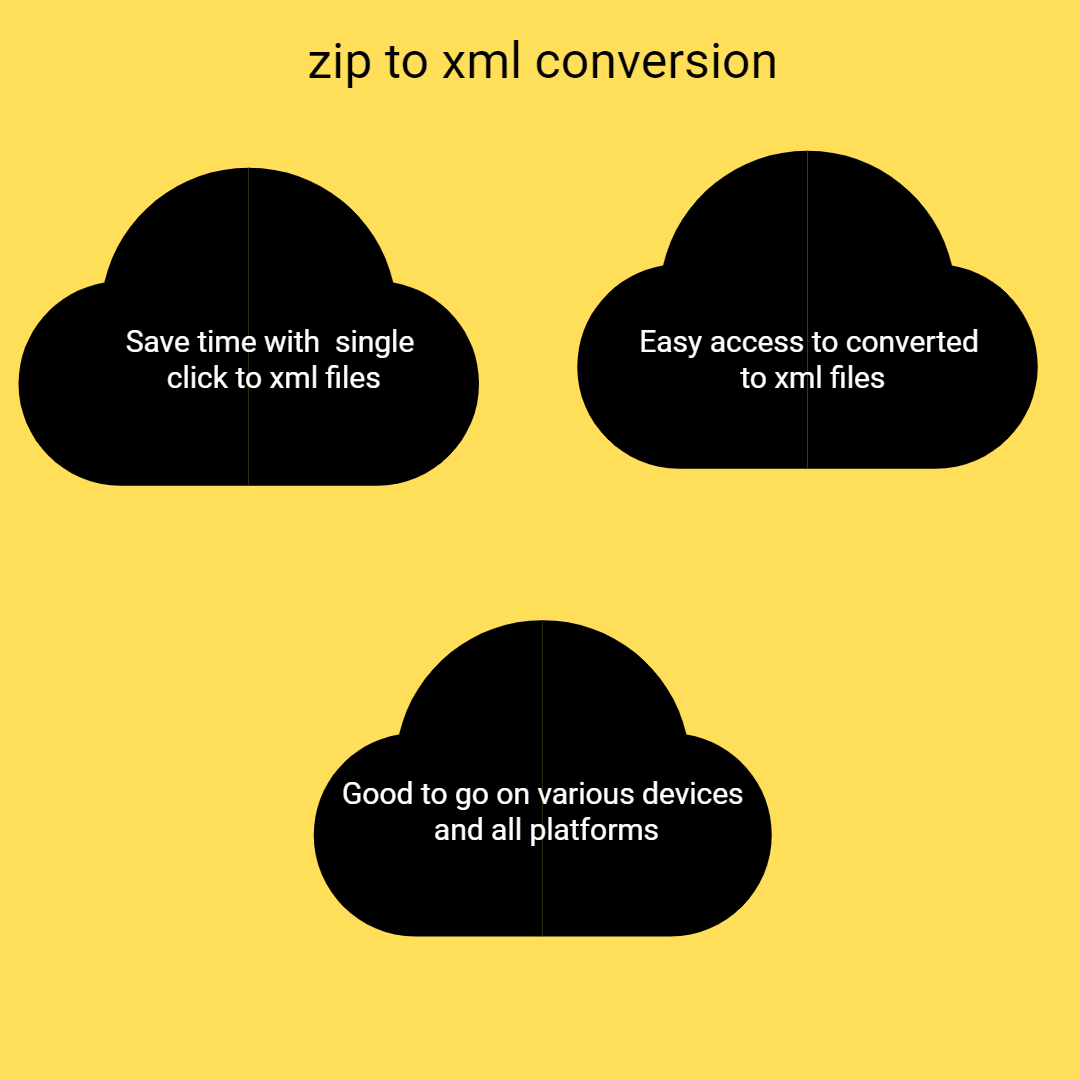
Our ZIP to XML converter is optimized for speed and efficiency. When you upload a ZIP archive, the system quickly extracts the files stored inside and processes them for XML conversion. The tool is designed to handle the extraction and transformation process automatically so you can get your XML file in just a few seconds.
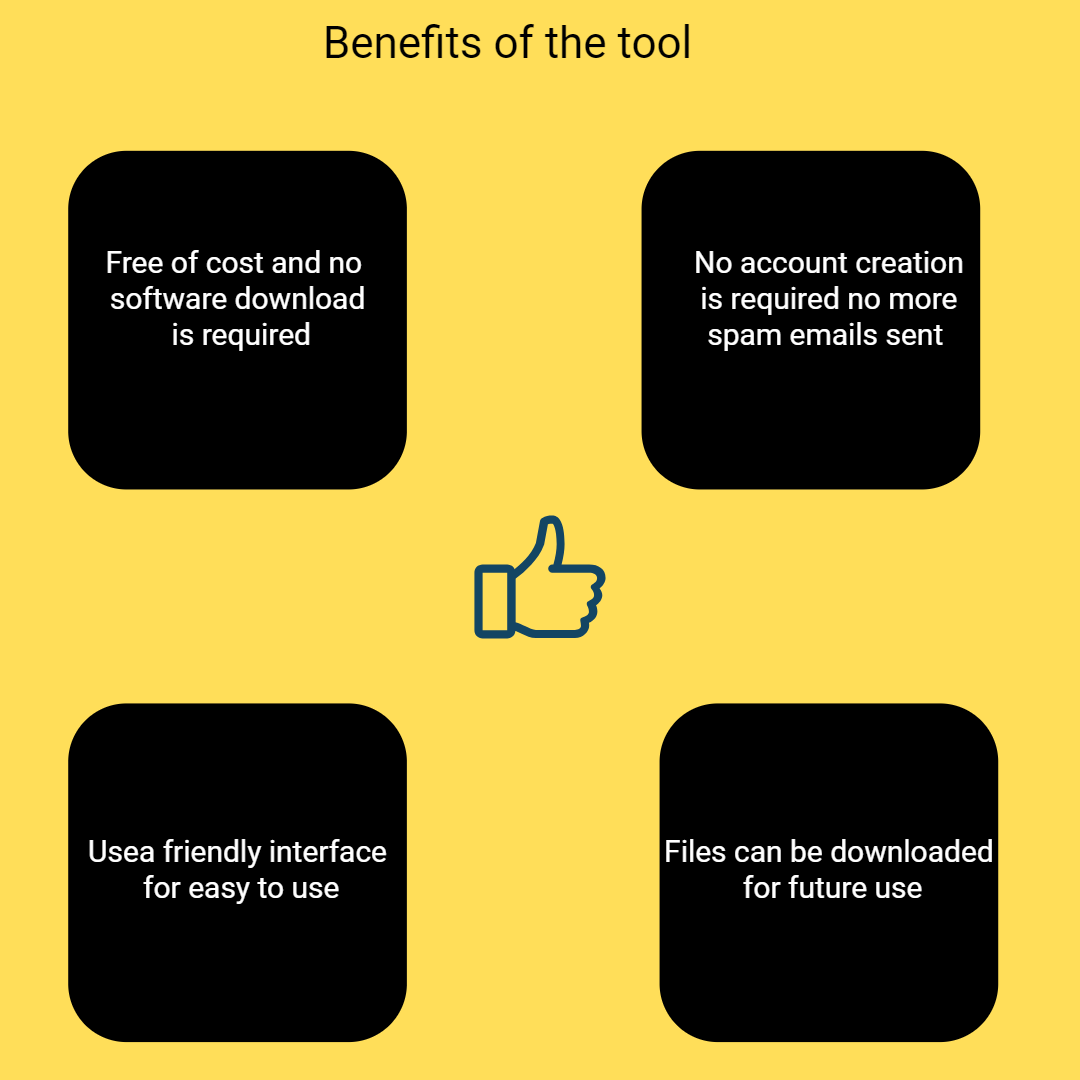
You can convert ZIP files to XML completely free of charge. The tool is available online and does not require any paid subscription, account registration, or login. Simply upload your ZIP archive, start the conversion process, and download the XML file when it is ready.
Your files are processed with security and privacy in mind. All uploaded ZIP archives are handled on secure servers, and the system automatically deletes files after the conversion process is completed. This ensures that your documents and data remain private and protected.
ZIP archives often contain multiple files stored together in a compressed format. Our tool can extract and process multiple files inside a ZIP archive and convert the compatible content into XML format efficiently.
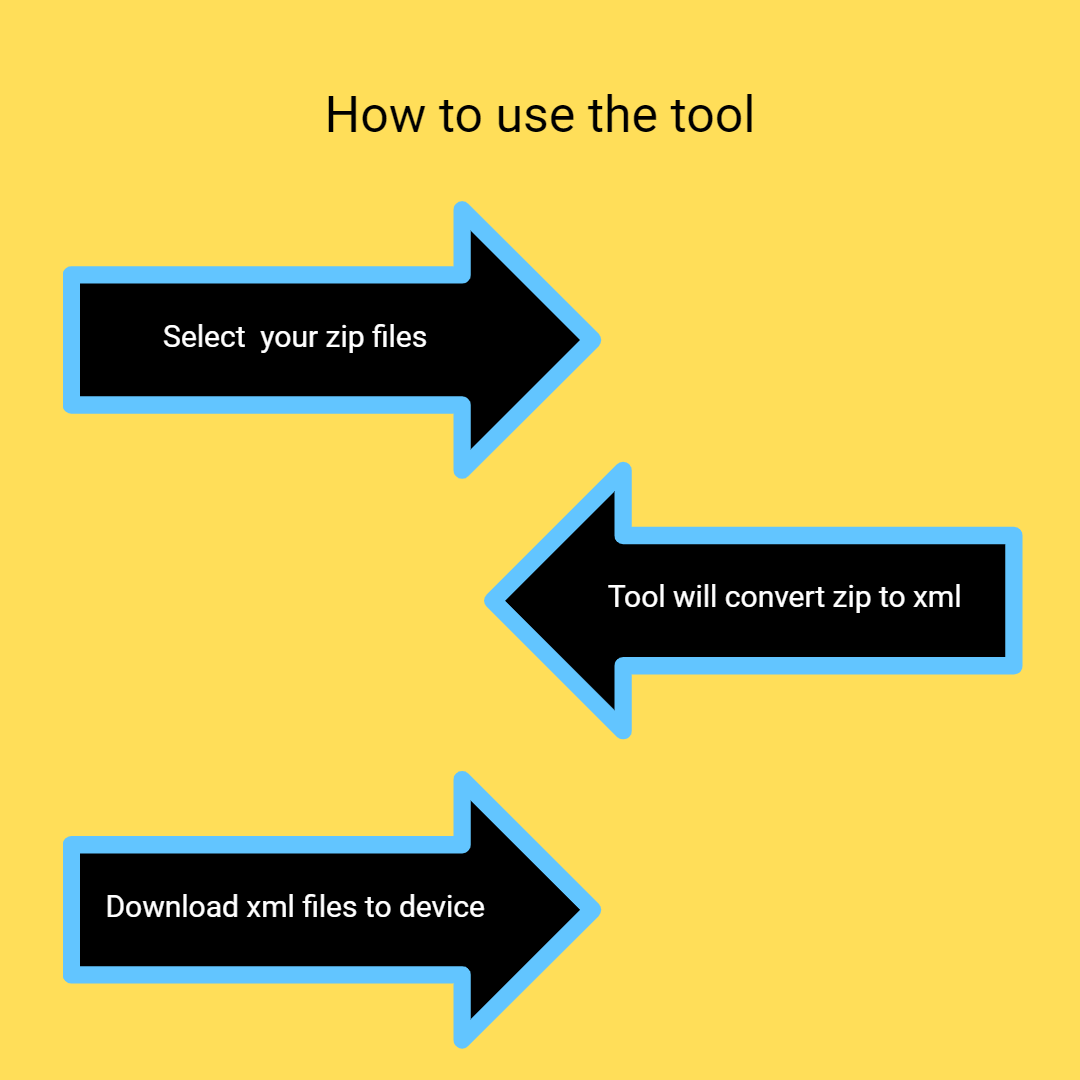
The tool is designed with simplicity in mind so that anyone can use it without technical knowledge. The conversion process only requires a few simple steps: upload the ZIP file, let the system extract and convert the files, and download the final XML output.
Our system is built to handle different types of ZIP archives reliably. Even if the archive contains several files or folders, the tool can extract the contents and prepare the data for XML conversion without complicated manual steps.

Other useful information
Explore our visual guides and infographics
Frequently Asked Questions
A ZIP to XML converter is an online tool that extracts files stored inside a ZIP archive and converts the compatible content into XML format. This makes it easier to work with structured data, share information between applications, or process data for development projects.
ZIP files are commonly used to compress and store multiple files together. However, when working with structured data or software applications, XML is often a preferred format. Converting ZIP files to XML allows you to extract data from compressed archives and organize it in a structured format that can be easily used by applications, databases, and APIs.
Yes, ZIP archives can contain multiple files, including XML documents. When you upload a ZIP file, the tool extracts the archive and processes the files that can be converted or structured into XML format.
No, the converter is designed to be simple and user-friendly. You only need to upload your ZIP file, and the tool will handle the extraction and conversion automatically.
Yes, the ZIP to XML converter works on mobile devices as well. You can open the tool in your browser and upload files directly from your smartphone or tablet.
Yes, SafeZipKit offers other free tools that help users work with compressed files and archives. These tools allow you to extract, convert, and manage different archive formats without installing software. For example, you can use the RAR to EPUB converter if you need to convert ebook archives into EPUB format. If you need to open TAR archives, the Open TAR Files Online tool can help you quickly extract the files. You can also use the ZIP to TXT converter to extract simple text files from ZIP archives or the RAR to STL converter when working with 3D model files stored inside compressed archives. Additionally, SafeZipKit provides tools like ZIP to EXE Converter, ZIP to PPT converter, and XZ to ZIP converter to help you convert archives into different formats depending on your needs. All of these tools are available online and can be used directly in your browser without login or installation.
No, XML and ZIP files are completely different types of files. An XML file is a text-based file format used to store and organize data in a structured way. It is commonly used in web development, data sharing, and configuration files. On the other hand, a ZIP file is a compressed archive format used to store one or more files in a smaller size. It is mainly used to save storage space and make file sharing easier. Key Difference: XML → Used for storing and structuring data ZIP → Used for compressing and packaging files Simple Example: XML = Data file (like information or code) ZIP = Container (like a folder that holds files in compressed form) So, they serve completely different purposes and are not the same.
There are generally two main types of XML documents: 1. Well-Formed XML A well-formed XML document follows the basic syntax rules of XML. This means: Every opening tag must have a closing tag Tags must be properly nested There must be a single root element Attribute values must be quoted If these rules are followed, the XML file is considered valid in structure. 2. Valid XML A valid XML document is not only well-formed but also follows a defined structure or schema. This structure is usually defined using: DTD (Document Type Definition) XSD (XML Schema Definition) A valid XML ensures that: The correct tags are used Data is in the expected format The document follows a predefined structure Simple Difference: Well-Formed XML → Follows basic syntax rules Valid XML → Follows syntax + predefined structure (rules/schema)
XML (Extensible Markup Language) files are used to store, organize, and transport data in a structured and readable format. They are both human-readable and machine-readable, which makes them very useful across different systems. Common uses of XML files: 1. Data Storage and Transfer XML is widely used to store data and share it between different systems, applications, or platforms. 2. Web Development XML is used in web technologies to exchange data between servers and clients (for example, in APIs and web services). 3. Configuration Files Many software applications use XML files to store settings and configuration data. 4. Document Structure XML is used to define the structure of documents, such as ebooks, reports, and structured content. 5. Data Integration It helps different systems communicate with each other, even if they are built using different technologies. 6. Office and Business Applications Formats like Microsoft Office files (such as .docx, .xlsx) are internally based on XML structures. Simple Explanation: XML files are used when you need to store data in a structured way and share it easily between systems.
The term “main XML” is not an official or standard term in XML. However, people usually use it to refer to the primary or root XML file in a project or system.
What it generally means:
1. Main (Root) XML File
It can refer to the main XML document that contains the core data and structure of a project.
It usually has a single root element
All other data is organized inside it
Example:
| Security | 100% (No files are sent to server for processing) |
| File size limits | None (No limit on size of files) |
| Usage limits | None (Process as many files as you want) |
| Price | Free |
| User Information Captured | None (We do not request for user information such as email / phone number) |
| Ads | None (We provide complete ad free experience) |
Over 100k Users Trust SafeZipKit for File Compression & Security
Join a growing community of users who rely on SafeZipKit.com for secure file compression, encryption, and efficient data management.