Zip successfully extracted
Click on a file to download it.
File Type
ZIP file
File Size
kb


Compress files to zip
Create zip file from multiple files
Unzip your file
Create zip from a folder
Merge multiple ZIP files into one
Split ZIP file into smaller parts or separate files
Encrypt ZIP files with 256-bit AES password protection
Create military-grade AES-256 encrypted ZIP archives with PBKDF2
Generate MD5, SHA-1, SHA-256, and SHA-512 hashes inside ZIP archives
Decrypt password-protected ZIP archives with known password
Fix corrupted ZIP archives and recover readable files
Decompress GZ files and convert to ZIP format locally
Decompress BZ2 files and convert to ZIP format locally
Convert ZIP archives to 7Z format for better compression
Convert ZIP archives to TAR or TAR.GZ format locally
Batch convert multiple archives between formats locally
Inspect ZIP archive structure and metadata without extracting
Inspect ZIP file headers, central directory, and binary metadata locally
Detect hidden files, appended data, and ZIP bombs in archives locally
Sort ZIP archive contents into category folders based on file extensions
Generate detailed inventories of ZIP contents without extracting (CSV, JSON, TXT, HTML)
Find and remove duplicate files inside ZIP archives using CRC-32 checksums
Verify archive file integrity against expected checksums
Edit ZIP archive comments, file names, and dates without extracting
Add and edit global archive comments and individual file annotations
Batch rename files inside ZIP archives with find-replace and regex
Evaluate ZIP password entropy, estimate crack times, and check breach databases
Scan ZIP archives for structural corruption, CRC mismatches, and header damage



Our tool features a clean, user-friendly interface designed for all users, regardless of technical skill. Clear buttons and straightforward steps make navigation effortless. The interface adapts seamlessly to desktops, tablets, and smartphones. This simplicity enhances your overall experience and productivity.
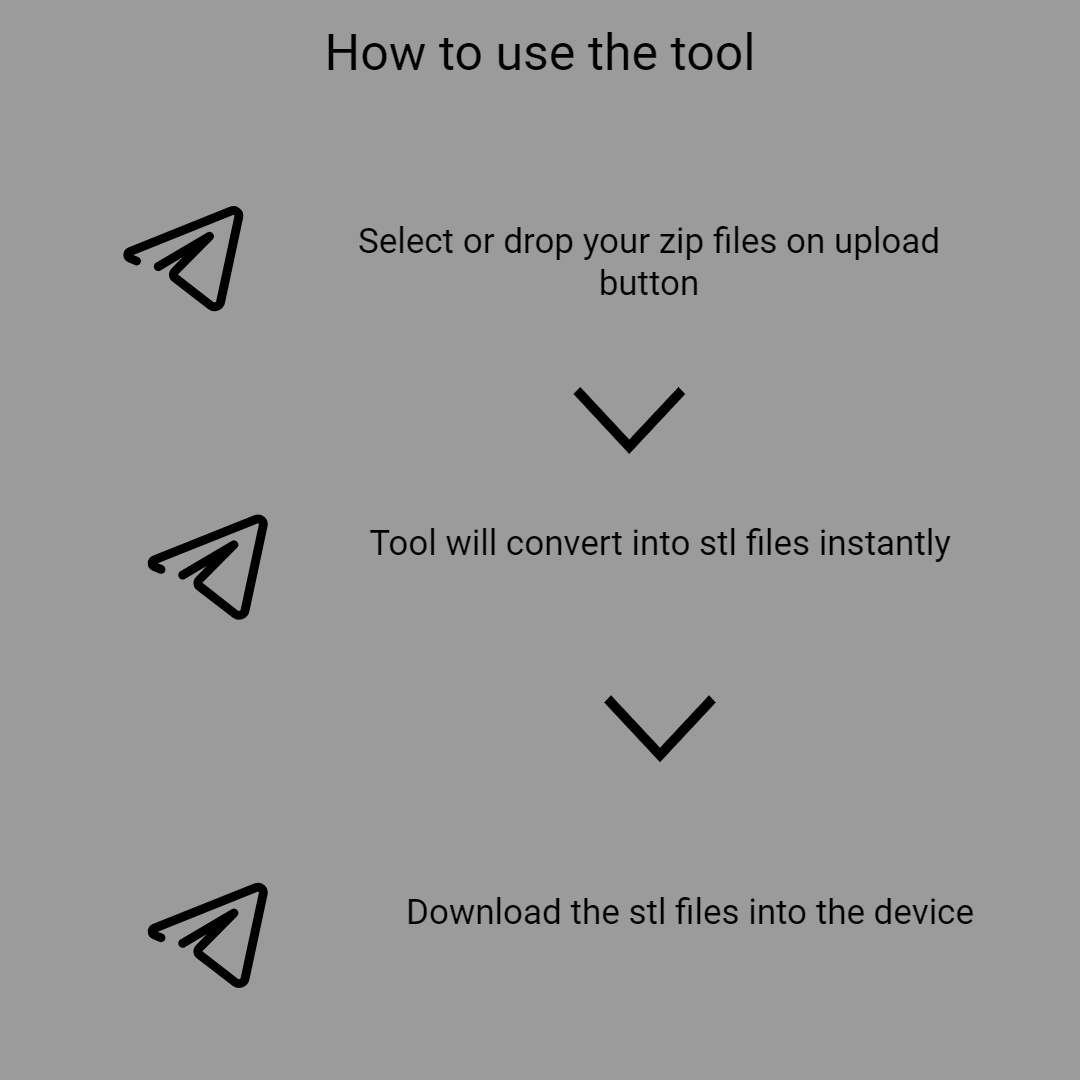
Our tool allows you to upload ZIP files directly from your device by clicking on the upload option or with simple drag-and-drop. You can also select files from Google Drive or Dropbox for added convenience. This flexibility makes it easy to access files stored in various locations. The upload process is quick, supporting large files without lag.
After extraction, you can preview individual STL files directly within the platform. This allows you to verify file details such as size and model preview, ensuring you only download what you need. The preview feature minimizes errors and helps in organizing your models. It’s a simple way to confirm the correct file before saving.
You have the option to download all extracted STL files at once or select specific files for download. The "Download All" button saves time when you need the entire collection. Alternatively, selecting individual files helps manage storage and bandwidth efficiently.
If you want to process additional ZIP files, simply click "Extract Another File" without restarting the platform. This feature allows for continuous workflow, ideal for ongoing projects. You can handle multiple archives effortlessly, saving time and effort. Each new upload is processed separately, maintaining clarity and organization.
Your files are handled securely via encrypted connections during upload and download. The platform does not store your files after processing, ensuring your privacy. Sensitive or proprietary models are protected, making it suitable for professional use. You can use this tool with confidence knowing your data is safe.

Other useful information
Explore our visual guides and infographics
Frequently Asked Questions
Converting ZIP files to STL is essential for accessing and using 3D models efficiently. ZIP archives often contain compressed 3D files, which need extraction before printing or editing. STL is a standard format compatible with most 3D printers and modeling software. Extracting STL files from ZIP archives simplifies your workflow.
An STL (stereolithography) file represents a 3D object’s surface geometry using a mesh of triangles. It is the most common format used in 3D printing and computer-aided design (CAD). STL files contain no color or texture data, focusing solely on shape and structure. They are essential for converting digital models into physical objects via 3D printers. The format is widely supported across various 3D modeling and slicing software.
It offers instant, browser-based extraction without installing any software. You can access it from any device with internet connectivity, ensuring maximum flexibility. The platform is designed for simplicity, requiring only a few clicks to operate. It handles large files efficiently, saving time during busy workflows. It also maintains high security standards to protect your data. This makes it suitable for both professionals and hobbyists looking for quick solutions.
Slow uploads can be caused by poor internet connections. Corrupted ZIP files might prevent successful extraction; ensure your ZIP is not damaged. Compatibility issues may arise with outdated browsers; updating your browser can help. If files do not extract correctly, verify the ZIP archive contains valid STL files. Large ZIP files may take longer to process. If errors persist, contact support or try re-uploading.
Currently, the platform supports one ZIP file upload at a time for precise processing. However, you can repeat the process for multiple files easily.
STL files contain the essential geometric data needed by 3D printers to build physical objects layer by layer. Without extraction, models remain compressed or inaccessible. Extracting STL ensures compatibility with slicing software, which prepares models for printing. It allows you to verify and modify designs before production. Proper extraction is crucial for quality and precision in 3D printing.
Yes, the platform is fully responsive and compatible with smartphones and tablets. It works seamlessly on Android, iOS, and other mobile browsers. The interface adapts to smaller screens, maintaining ease of use. You can upload, extract, preview, and download files just as on a desktop.
There are no strict limits on the number of files you can process, but large archives may take longer. The platform is designed for efficiency and quick turnaround times. Repeated uploads are supported, enabling ongoing workflows.
Yes, the platform supports ZIP files that contain multiple STL models. All models are extracted simultaneously, and you can preview each one. You can download all the files together or pick specific models for individual download.
Absolutely! Uploading, extracting, previewing, and downloading are optimized for speed. Most operations complete within seconds, even for large files. The platform uses efficient algorithms to ensure smooth processing.
Always preview your STL files before downloading. Make sure ZIP archives contain valid, high-quality STL files. Avoid corrupted or incomplete archives to ensure successful extraction. Check model dimensions and details after download to confirm integrity.
Yes, the platform is free and accessible for both personal and commercial projects. There are no licensing fees or restrictions on usage. You can process as many files as needed without additional costs. This makes it a cost-effective solution for businesses and individual creators.
Its instant, browser-based operation requires no downloads or installations. It offers flexible upload options from device or cloud storage. Security measures ensure privacy and data protection. The speed and reliability of extraction improve your productivity. It’s designed for everyone.
If you have images, charts, or other presentation content stored inside a ZIP file, converting ZIP to PPT allows you to create presentations easily without manually inserting each item. This is especially useful for educators, marketers, or business professionals who want to compile and present data seamlessly. Visit our https://safezipkit.com/convert-zip-to-ppt to streamline this process. .
ZIP archives often contain e-books or reading materials. Converting ZIP to EPUB allows for easy transfer and reading on compatible e-readers or apps. This is beneficial for authors, publishers, or readers who want to organize and access their books in a widely supported format. Visit our https://safezipkit.com/convert-zip-to-epub and make this conversion straightforward. .
| Security | 100% (No files are sent to server for processing) |
| File size limits | None (No limit on size of files) |
| Usage limits | None (Process as many files as you want) |
| Price | Free |
| User Information Captured | None (We do not request for user information such as email / phone number) |
| Ads | None (We provide complete ad free experience) |
Over 100k Users Trust SafeZipKit for File Compression & Security
Join a growing community of users who rely on SafeZipKit.com for secure file compression, encryption, and efficient data management.