Zip successfully extracted
Click on a file to download it.
File Type
ZIP file
File Size
kb


Compress files to zip
Create zip file from multiple files
Unzip your file
Create zip from a folder
Merge multiple ZIP files into one
Split ZIP file into smaller parts or separate files
Encrypt ZIP files with 256-bit AES password protection
Create military-grade AES-256 encrypted ZIP archives with PBKDF2
Generate MD5, SHA-1, SHA-256, and SHA-512 hashes inside ZIP archives
Decrypt password-protected ZIP archives with known password
Fix corrupted ZIP archives and recover readable files
Decompress GZ files and convert to ZIP format locally
Decompress BZ2 files and convert to ZIP format locally
Convert ZIP archives to 7Z format for better compression
Convert ZIP archives to TAR or TAR.GZ format locally
Batch convert multiple archives between formats locally
Inspect ZIP archive structure and metadata without extracting
Inspect ZIP file headers, central directory, and binary metadata locally
Detect hidden files, appended data, and ZIP bombs in archives locally
Sort ZIP archive contents into category folders based on file extensions
Generate detailed inventories of ZIP contents without extracting (CSV, JSON, TXT, HTML)
Find and remove duplicate files inside ZIP archives using CRC-32 checksums
Verify archive file integrity against expected checksums
Edit ZIP archive comments, file names, and dates without extracting
Add and edit global archive comments and individual file annotations
Batch rename files inside ZIP archives with find-replace and regex
Evaluate ZIP password entropy, estimate crack times, and check breach databases
Scan ZIP archives for structural corruption, CRC mismatches, and header damage



Our ZIP to JPG conversion tool features a clean, straightforward interface designed for users of all skill levels. The minimalistic design makes the process quick. No technical knowledge is required.
The ZIP to JPG converter tool supports drag-and-drop, file browsing, and cloud storage uploads like Google Drive and Dropbox, which ensures maximum flexibility. Upload files from any device or location without hassle.
Your files are protected during upload with encryption, and they are deleted automatically after processing. We do not store or share your data, ensuring maximum confidentiality. This makes the platform safe for sensitive or personal files.
Downloaded JPG images maintain high resolution and clarity. The platform preserves the original quality of images within ZIP archives. Whether images are for professional use or personal projects, they look clean and clear.
The platform works smoothly on desktops, tablets, and smartphones. Responsive design ensures easy navigation on any screen size. You can extract files from anywhere. No special software or updates are required.
There are no restrictions on how many ZIP files you can extract. Use the tool multiple times a day for as many files as needed. No limits or hidden charges apply. The platform is designed to support repeated use seamlessly.

Other useful information
Explore our visual guides and infographics
Frequently Asked Questions
A ZIP to JPG converter is an online tool that extracts JPG images stored within ZIP archive files. It simplifies the process of accessing and using images stored in compressed ZIP formats.
Yes, the tool allows you to upload ZIP files directly from Google Drive or Dropbox, making it easy to access and extract files stored in your cloud accounts without downloading them first.
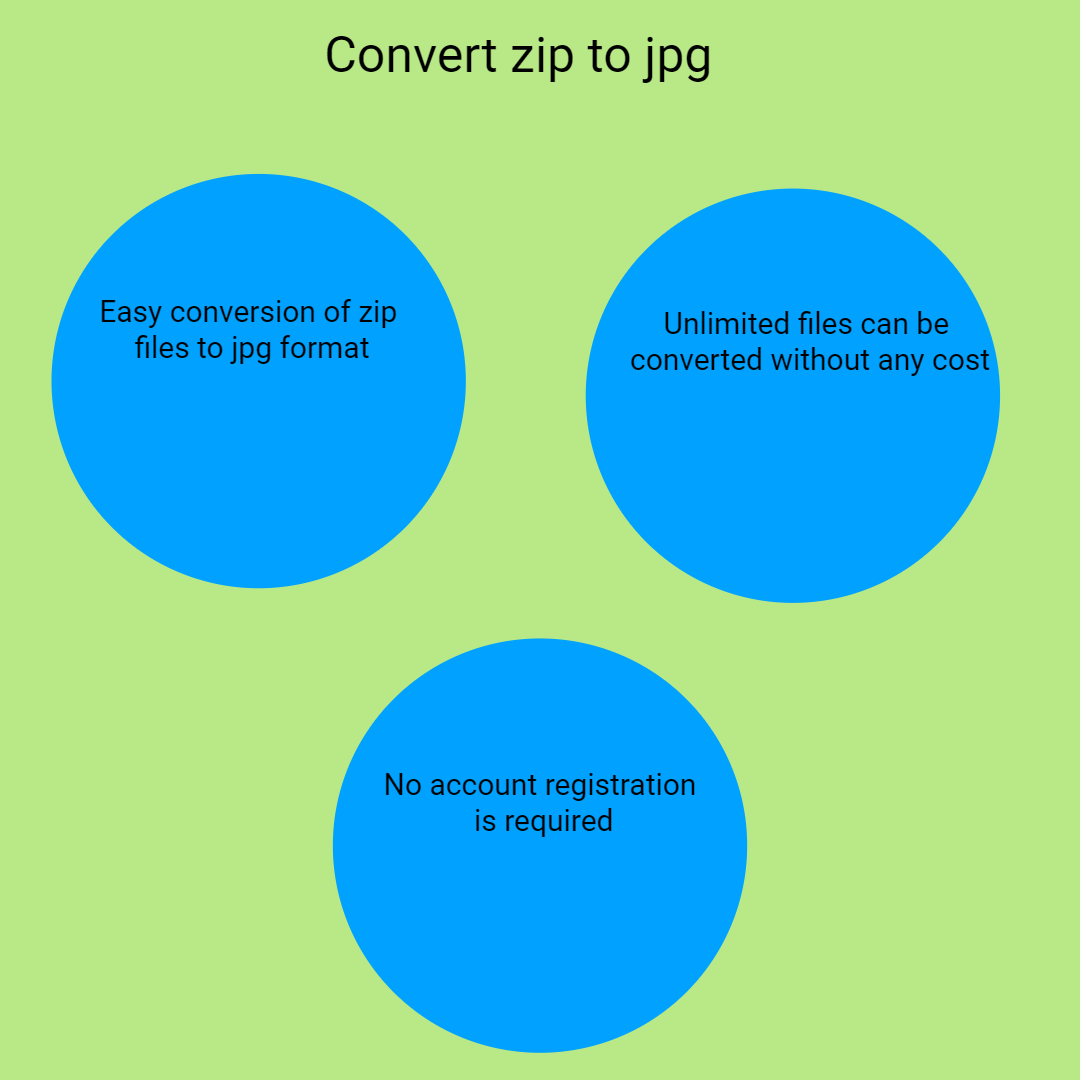
Absolutely! The ZIP to JPG converter is completely free, with no hidden charges or subscription required. You can use it as often as you need.
No registration or login is necessary. The tool is designed to be accessible immediately without creating an account.
The process is very quick, typically completed within seconds, depending on the size of your ZIP file. Large archives may take slightly longer but still process rapidly.
Yes, after extraction, you can select specific images or files for download, making it easy to save only what you need.
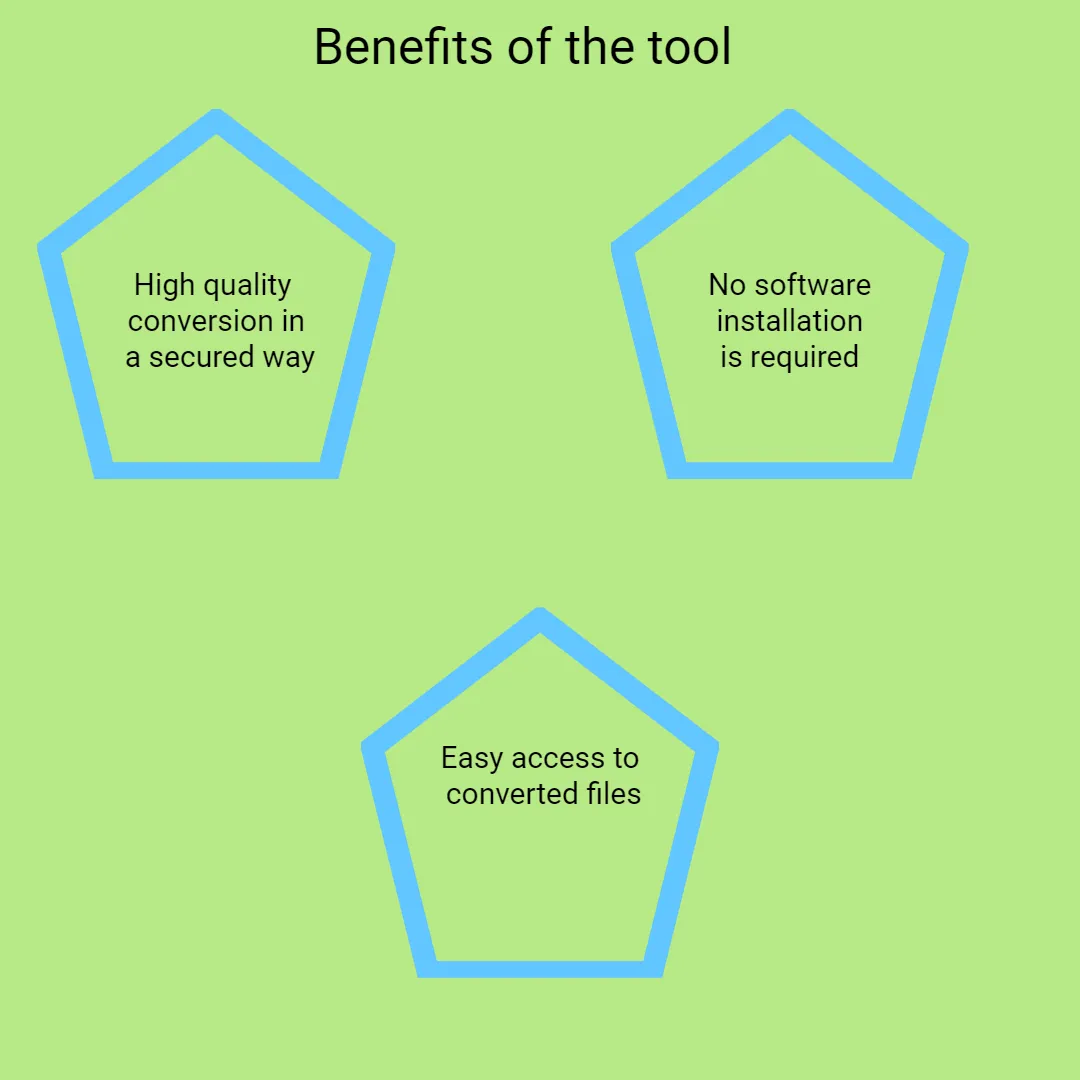
No, this is a web-based tool. There is no need to download or install any software or plugins; everything runs directly in your browser.
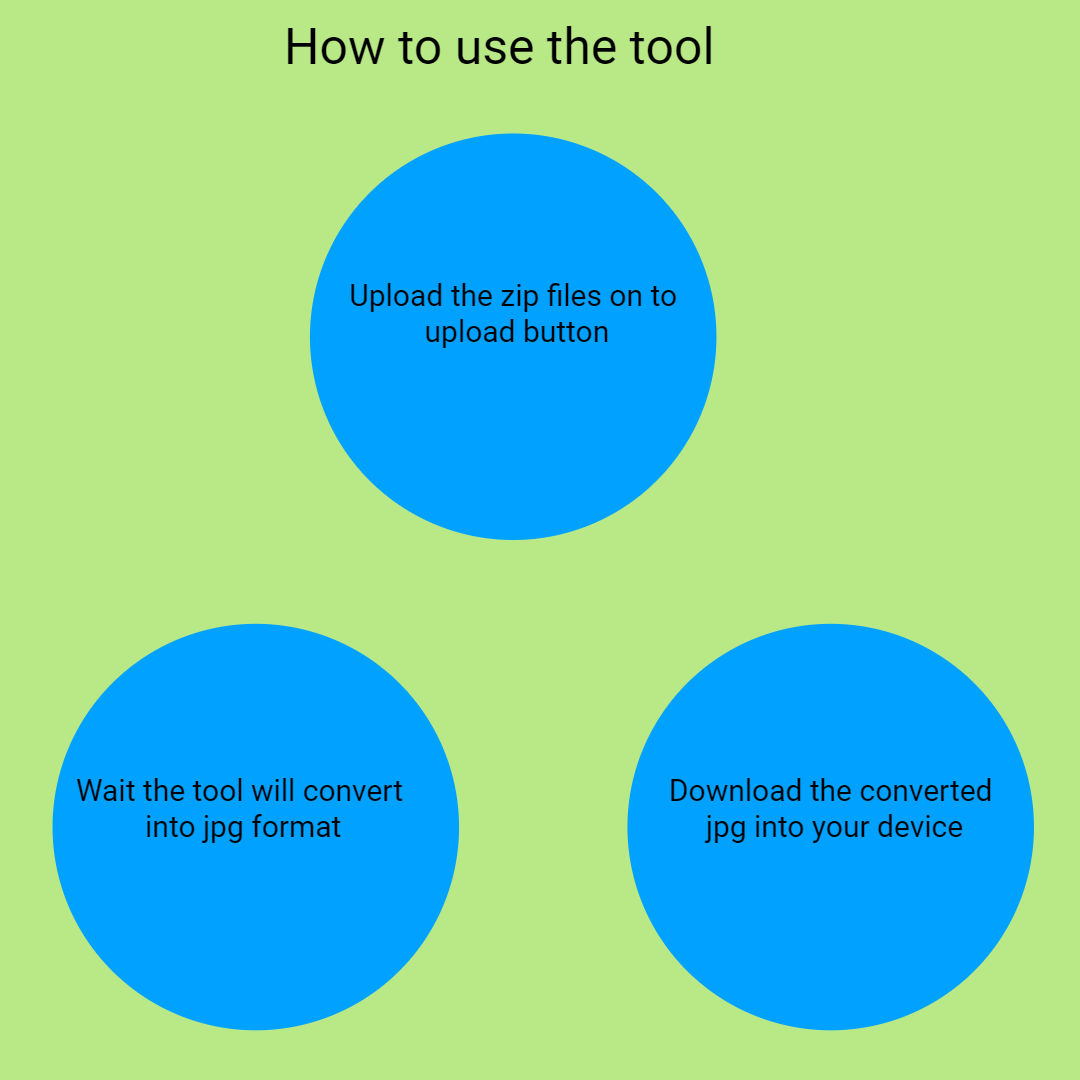
Once the extraction is complete, you can click the download button to save individual images or download all images in a ZIP archive to your device.
Simply upload new ZIP files or use the ‘Extract Another File' button to process additional archives. The platform is designed for repeated use without hassle.
No, as an online tool, an internet connection is required to upload, process, and download files.
You can extract any images stored within ZIP files, typically JPG, PNG, GIF, or other common image formats.
Yes, the tool will extract other files other than JPG images. You can preview and download them to your device.
Yes, the tool works seamlessly across all major browsers, such as Chrome, Firefox, Safari, Edge, and Opera.
The tool does not support encrypted ZIP files. You need to decrypt ZIP files before uploading.
It’s free, fast, easy, accessible from any device, requires no installation, and preserves your privacy.
It simplifies image extraction from ZIP archives, saving time and effort, especially for users who need quick access to images without complicated software or technical skills.
ZIP files may contain images or assets for Photoshop. Extract or convert ZIP to PSD at https://safezipkit.com/convert-zip-to-psd for editing in Photoshop. .
Convert ZIP to EPUB using our ZIP to EPUB converter at https://safezipkit.com/convert-zip-to-epub for e-book reading on Kindle. .
| Security | 100% (No files are sent to server for processing) |
| File size limits | None (No limit on size of files) |
| Usage limits | None (Process as many files as you want) |
| Price | Free |
| User Information Captured | None (We do not request for user information such as email / phone number) |
| Ads | None (We provide complete ad free experience) |
Over 100k Users Trust SafeZipKit for File Compression & Security
Join a growing community of users who rely on SafeZipKit.com for secure file compression, encryption, and efficient data management.