Zip successfully extracted
Click on a file to download it.
File Type
ZIP file
File Size
kb


Compress files to zip
Create zip file from multiple files
Unzip your file
Create zip from a folder
Merge multiple ZIP files into one
Split ZIP file into smaller parts or separate files
Encrypt ZIP files with 256-bit AES password protection
Create military-grade AES-256 encrypted ZIP archives with PBKDF2
Generate MD5, SHA-1, SHA-256, and SHA-512 hashes inside ZIP archives
Decrypt password-protected ZIP archives with known password
Fix corrupted ZIP archives and recover readable files
Decompress GZ files and convert to ZIP format locally
Decompress BZ2 files and convert to ZIP format locally
Convert ZIP archives to 7Z format for better compression
Convert ZIP archives to TAR or TAR.GZ format locally
Batch convert multiple archives between formats locally
Inspect ZIP archive structure and metadata without extracting
Inspect ZIP file headers, central directory, and binary metadata locally
Detect hidden files, appended data, and ZIP bombs in archives locally
Sort ZIP archive contents into category folders based on file extensions
Generate detailed inventories of ZIP contents without extracting (CSV, JSON, TXT, HTML)
Find and remove duplicate files inside ZIP archives using CRC-32 checksums
Verify archive file integrity against expected checksums
Edit ZIP archive comments, file names, and dates without extracting
Add and edit global archive comments and individual file annotations
Batch rename files inside ZIP archives with find-replace and regex
Evaluate ZIP password entropy, estimate crack times, and check breach databases
Scan ZIP archives for structural corruption, CRC mismatches, and header damage



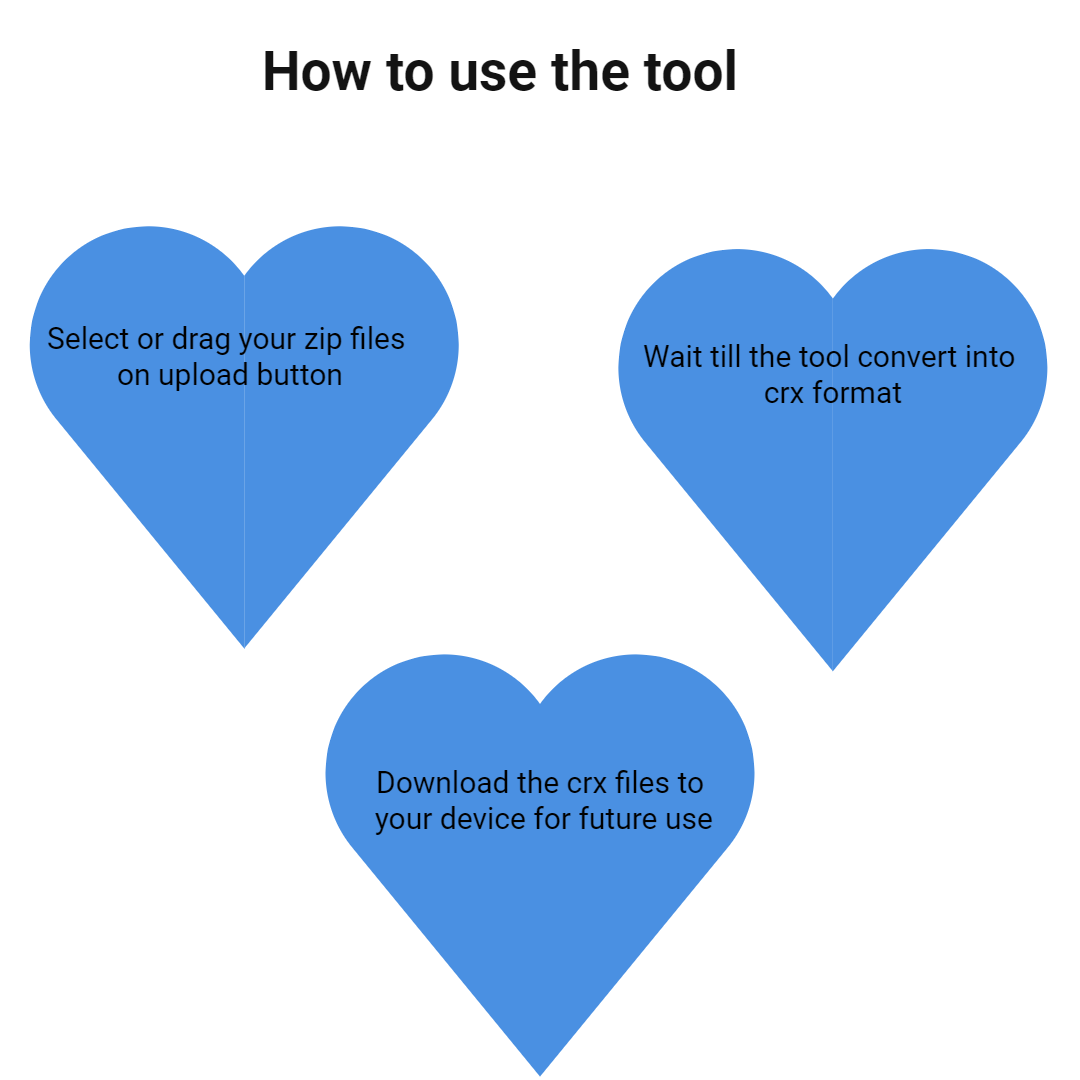
Our tool has a user-friendly, clean, and intuitive drag-and-drop interface designed to make the file conversion process effortless for users of all technical levels. Additionally, you can upload ZIP files directly from cloud storage services like Google Drive and Dropbox, saving you time and hassle. Whether you're a beginner or an experienced user, our interface simplifies complex tasks into a smooth, hassle-free experience.
Once your ZIP file is uploaded, our advanced tool automatically scans and identifies CRX files within the archive. It intelligently filters out irrelevant files, focusing solely on extracting the necessary CRX files required for your purpose. This automation eliminates the manual process of sorting through multiple files, saving you valuable time and reducing errors.
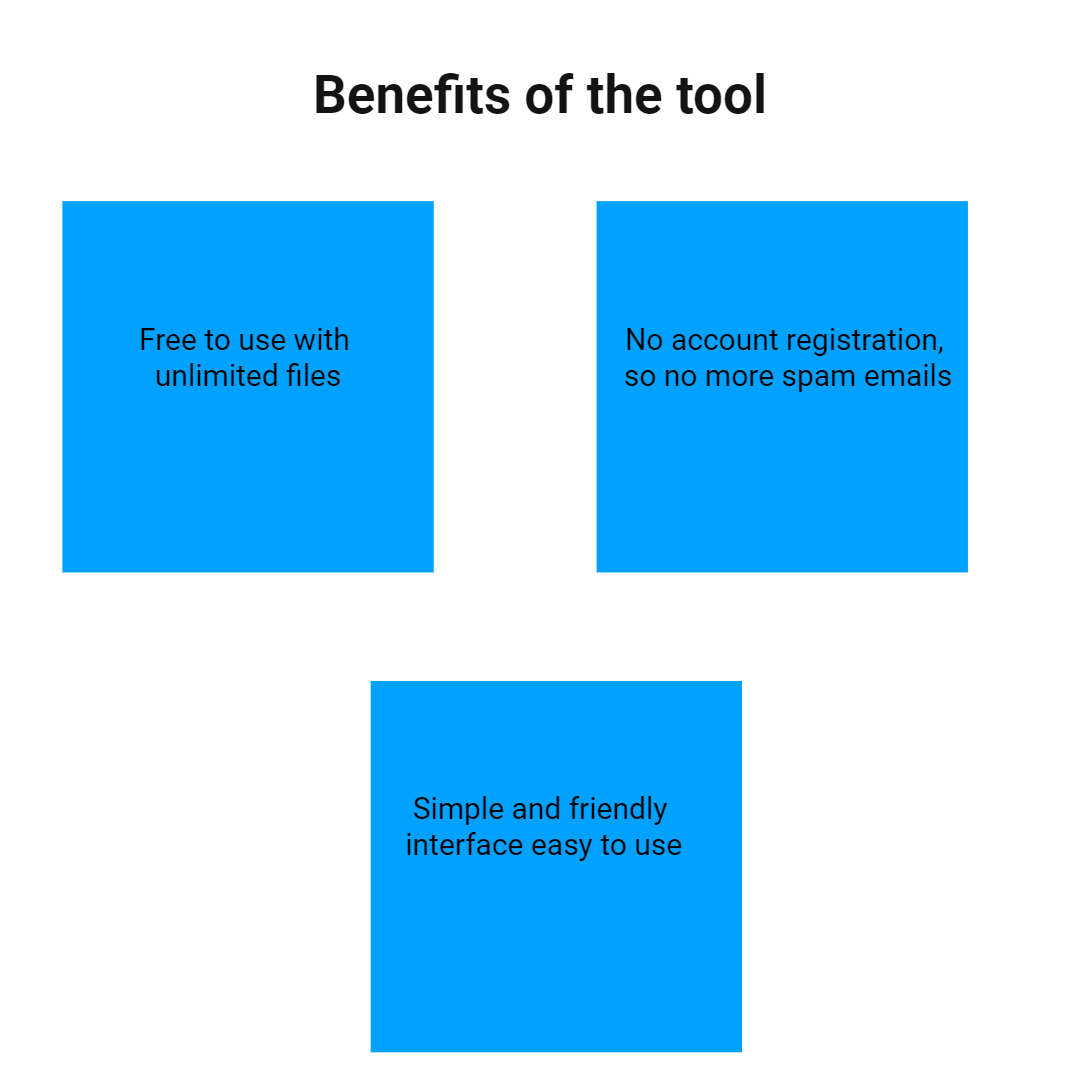
Your privacy and data security are our top priorities. All uploads are processed securely using industry-standard encryption protocols to protect your files during transfer. Importantly, the entire extraction process is performed directly within your web browser; your files are not sent to our servers at any point, ensuring complete privacy and data confidentiality.
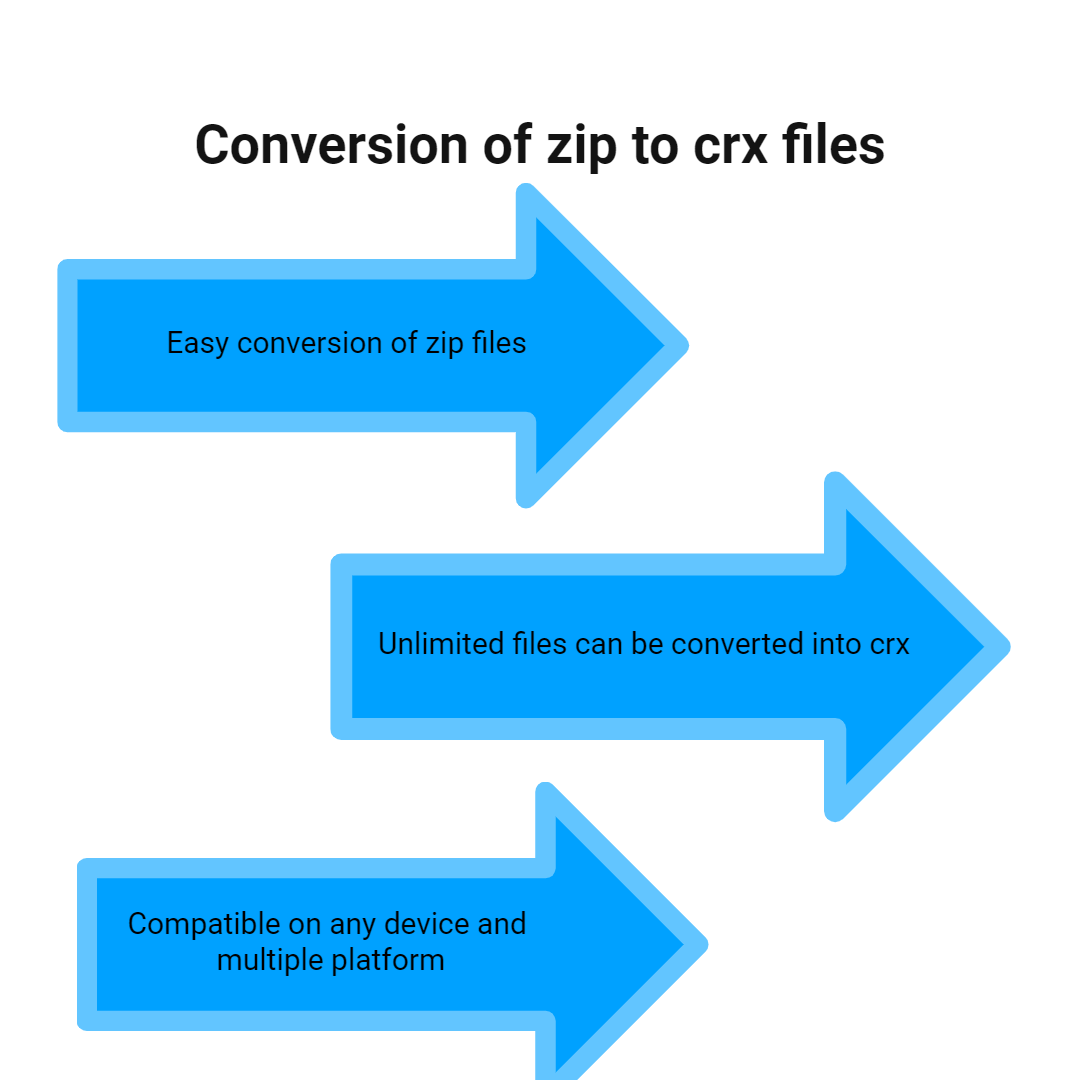
Our ZIP to CRX converter platform ensures compatibility across all devices and operating systems. Whether you are using a desktop computer, laptop, tablet, or smartphone, you can access and use the tool effortlessly. The interface adapts smoothly to different screen sizes and device capabilities, allowing you to convert files on the go, whether you're at home, in the office, or traveling.
As a fully web-based platform, our ZIP to CRX converter requires no software downloads, installations, or updates. Simply visit our website, upload your ZIP file, and start converting immediately. This no-installation approach ensures quick access and hassle-free usage, making the process more convenient and accessible for all users, regardless of their technical expertise.
All the features and tools available on our website are completely free to use. There are no hidden charges, subscription fees, or trial limitations. You can convert as many ZIP files to CRX as needed without any restrictions, making it an ideal solution for individuals, developers, or businesses requiring frequent conversions.

Other useful information
Explore our visual guides and infographics
Frequently Asked Questions
Extracting CRX files from a ZIP archive is essential because it allows users to easily install, troubleshoot, and customize Chrome extensions offline or in development environments. This process provides direct access to the extension files, enabling manual installation without relying on the Chrome Web Store, facilitating debugging and modifications, and supporting bulk or automated deployment for organizations. Overall, it streamlines the management and use of extensions by making the core files readily accessible and ready for use or further development.
ZIP files are compressed archives used to combine multiple files and folders into a single, smaller file for easier storage and transfer. They are widely supported across operating systems, making sharing and backing up data convenient. ZIP compression reduces file size without losing data, which speeds up upload and download times. ZIP files are often used for distribution, backup, or packaging multiple files into one cohesive unit. Understanding ZIP files is essential because many users receive or create ZIP archives regularly for various purposes.
CRX files are packaged extension files used by Chrome and Chromium browsers to install extensions directly. They contain all extension code, assets, and manifest files needed for extension functionality. CRX files are signed to ensure security and authenticity, preventing tampering. They are used by developers to distribute browser extensions offline or through the Chrome Web Store. Users can load CRX files manually for testing or offline installation, bypassing the web store. Overall, CRX files are vital for extension developers and advanced users who prefer manual installation.
Yes, the tool supports converting ZIP archives containing multiple CRX files. When you upload a ZIP file with several CRX files, the tool automatically extracts all of them. You can then view each CRX file individually, select specific files, or download all at once. This feature is particularly useful for developers managing multiple extensions or users who have bundled several CRX files for distribution. The process remains simple and quick, ensuring you don’t need to manually extract or search for files. It saves time and effort, especially when dealing with large collections of extension files.
Common issues include incompatible archive formats, corrupted ZIP files, or unsupported file structures. Sometimes, ZIP files may be password-protected or encrypted, preventing extraction. Users may face browser compatibility issues or security restrictions when uploading large archives. Technical problems like incomplete uploads or server timeouts can occur with large files. Additionally, if ZIP files contain files other than CRX, the extraction process may include unwanted files, causing confusion. To avoid these issues, ensure ZIP files are intact, supported, and contain only relevant CRX files. Using a stable internet connection and compatible browsers can also prevent upload errors. Our tool is designed to handle most common issues seamlessly, providing a smooth experience.
Absolutely! Our tool supports uploading archives directly from cloud storage platforms like Google Drive and Dropbox. You can connect your cloud accounts securely and select ZIP files stored there. This feature simplifies workflows by eliminating the need to download files to your device first. Once uploaded, the tool automatically extracts CRX files from the archive. Cloud uploads are encrypted, ensuring your data remains safe throughout the process. This convenience helps users manage files stored online efficiently. Whether you're working on a desktop or mobile device, cloud support makes the conversion process flexible and accessible. Just ensure you grant necessary permissions for cloud access.
Our platform is designed to handle most common archive sizes efficiently. Typically, files up to 500MB can be processed without issues, but larger files might take longer to upload and extract. If you experience slow uploads or timeouts, consider splitting large archives into smaller parts before uploading.
Yes, you can upload ZIP files containing various file types, not just CRX files. The tool is designed to scan the archive and extract only CRX files, ignoring other formats. This feature is useful when dealing with archives that bundle multiple file types, ensuring that only relevant CRX files are extracted. If your ZIP contains other format files, they will be safely ignored during extraction, and only CRX files will be available for download.
Yes, our ZIP to CRX converter is fully compatible with mobile devices and tablets. The responsive web design ensures that the interface adapts to smaller screens, allowing easy file upload and download.
If you upload an incorrect or unintended archive, simply refresh the page and start the process again. The platform does not permanently store your files, so re-uploading is quick and straightforward.
The process is designed to be instant, so your CRX files will appear immediately after upload and processing. Once the extraction is complete, a list of CRX files will be displayed, with options to view, download all, or download individually.
The tool is designed to extract valid CRX files only, regardless of their version or content. As long as the CRX files are correctly packaged within the archive, they will be identified and extracted. However, corrupted or malformed CRX files may not be viewable or downloadable properly.
Since the tool only extracts existing CRX files from your archives, the safety depends on the source files you upload. Always upload files from trusted sources to avoid malware or malicious extensions. The platform processes files securely and does not alter or tamper with them. If you created or verified your CRX files, you can confidently download and use them.
This tool extracts MP4 videos from RAR files. It is useful when videos are compressed in archives. Visit https://safezipkit.com/convert-rar-to-mp4 to quickly access and watch your videos. It saves time and avoids extra steps. It is simple and efficient. .
This tool helps extract EXE files from RAR archives. It is useful for accessing software installers. You can run applications after extraction. Visit https://safezipkit.com/convert-rar-to-exe for fast and reliable results. .
| Security | 100% (No files are sent to server for processing) |
| File size limits | None (No limit on size of files) |
| Usage limits | None (Process as many files as you want) |
| Price | Free |
| User Information Captured | None (We do not request for user information such as email / phone number) |
| Ads | None (We provide complete ad free experience) |
Over 100k Users Trust SafeZipKit for File Compression & Security
Join a growing community of users who rely on SafeZipKit.com for secure file compression, encryption, and efficient data management.